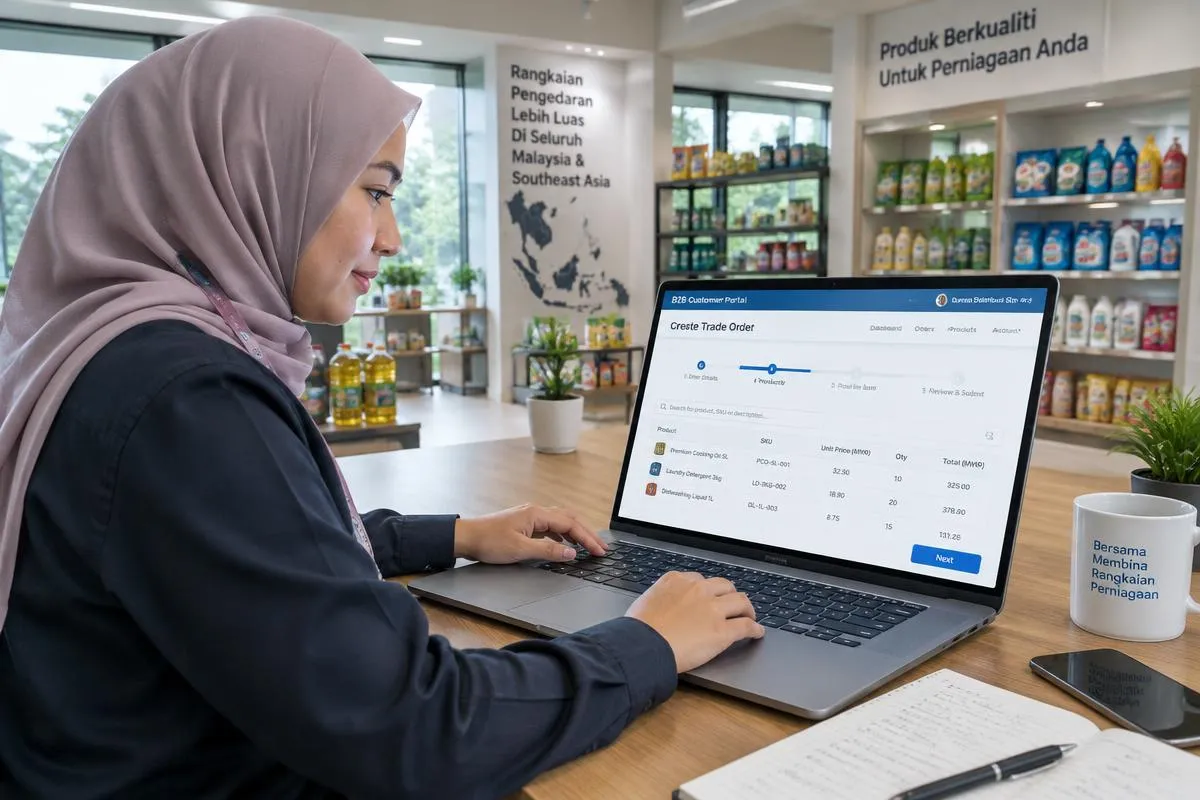
A buyer signs in to order 12 cases. They expect their agreed price, the right delivery address and a clear answer on whether the stock can ship this week. A product page can look complete and still leave all three questions unanswered if the storefront and enterprise resource planning (ERP) system disagree.
B2B ecommerce ERP integration connects what the buyer sees online with the data your team uses to price, fulfil and invoice orders. For Singapore distributors, wholesalers and manufacturers, that can mean handling account-specific prices in SGD, case-pack quantities and more than one warehouse or ship-to address. Here’s where to start if you’re connecting DynamicWeb with Microsoft Dynamics 365 Business Central.
Start with the tasks buyers need to complete
Follow a real buying journey, from signing in to checking order status. Can a customer find an item by SKU? Can they switch to an approved delivery location, see their negotiated price and reorder from an earlier purchase? Each task tells you which information the storefront needs and when it must be current.
For the 12-case order, confirm which account is buying, whether it buys by the case or by the unit, and which warehouse can fulfil it. Then test those details together in one order. Testing them separately can miss the very errors the customer will see.
Give product, pricing, inventory and account data a clear owner
- Product information: Keep the approved SKU, variant and selling unit aligned with Business Central. Use DynamicWeb product information management (PIM) to maintain the descriptions, images and specifications buyers need to choose the right item. Assign a content owner to approve changes after launch.
- Customer pricing: If Business Central owns your trade agreements, use its sales prices and discounts as the reference for account prices, quantity breaks and validity dates. Check the price again when the account, quantity or selling unit changes.
- Inventory: Decide what “available” means for each fulfilment location. Business Central distinguishes quantity on hand from projected availability. Choose the measure that matches what your team can commit to ship, and agree how to display backorders or uncertain dates.
- Account and order data: Map each buyer to the correct ERP customer and approved ship-to addresses. Define who can browse, place orders or view documents for that account. Agree where payment terms are maintained and what happens if an order requires credit or approval review.
Use live checks where the answer can change the order
A product description can usually wait for a scheduled update. A negotiated price, a low-stock item or a cart total may need to be verified while the customer is buying. DynamicWeb’s ERP integration tools support live data requests as well as scheduled data transfers. The right mix depends on how quickly the data changes and what the buyer is about to commit to.
Agree what buyers see if the ERP can’t respond. You might let customers save a cart while showing that price or availability needs confirmation. When you submit the order, use a unique storefront reference and show a confirmed status once the ERP has accepted it.
Make order history useful for repeat buyers
Self-service should help customers answer “Has it shipped?” and “Can I order this again?” without calling your team. With a configured live integration, DynamicWeb’s Integration Customer Center can retrieve supported documents such as open orders and posted invoices from Business Central. Check what each account role should see, including orders placed outside the website. When a buyer reorders, rebuild the cart using today’s prices, stock and pack sizes.
Test a real order before launch
Pilot with a small group of representative accounts. Compare the web cart with the ERP order for the same customer, delivery address, SKU, quantity and currency. Include a quantity discount, a low-stock item, a restricted account and a failed order submission. After launch, name the people who will maintain the catalogue, review failed orders and handle stock or price discrepancies.
If you’re planning a B2B storefront in Singapore or Asia, talk to Davidson about how your commerce, product information and ERP systems can work together.
What B2B commerce needs from your ERP is Davidson’s practical guide to connecting DynamicWeb and Dynamics 365 Business Central. It includes a data ownership matrix, guidance on live versus scheduled updates, and a launch checklist for commerce, finance and operations teams.